Train & validate
RavenView
Every flight, reconstructed. Turn black-box logs into a full 3D debrief.
Replay any drone flight exactly as it happened — in 3D, over real terrain, with the onboard video, telemetry, and AI commentary in sync.
Overview
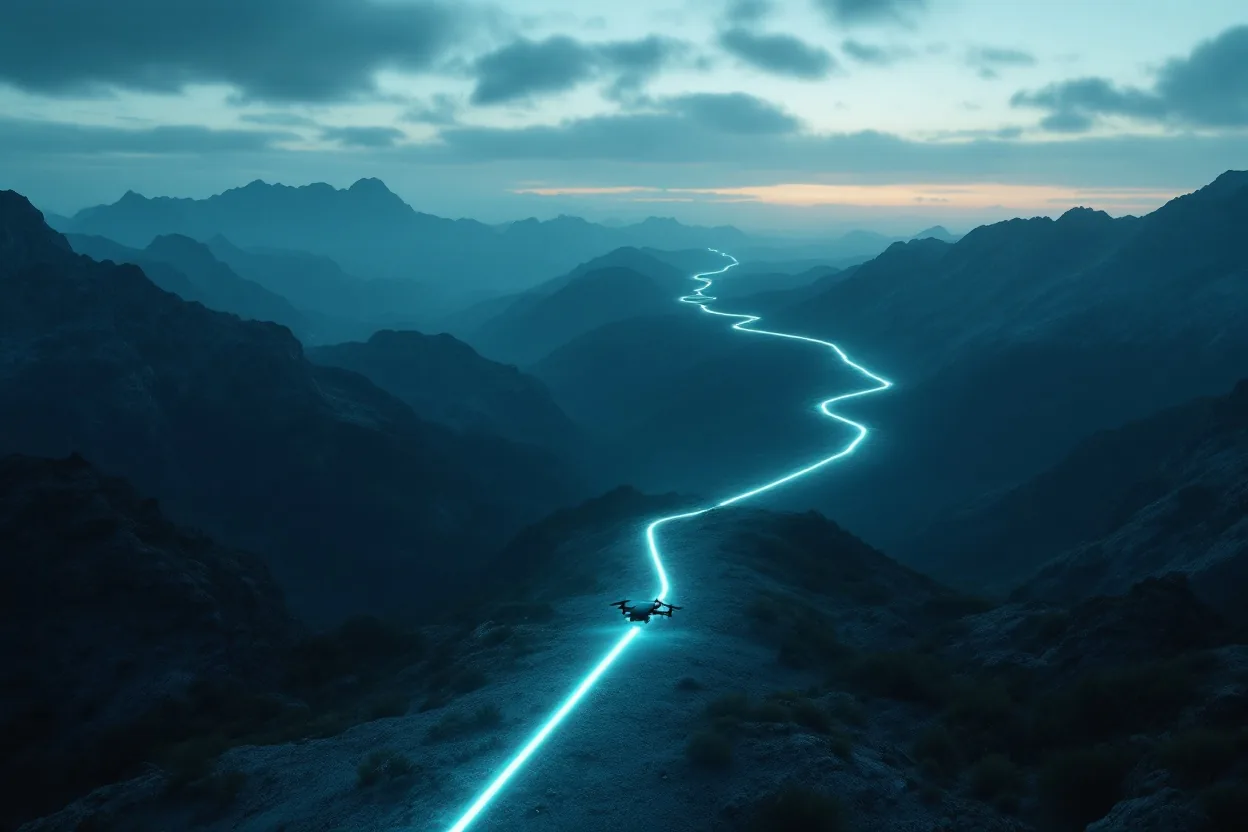
RavenView is a flight-log replay and mission-debrief platform. Upload the flight log from almost any drone — ArduPilot, PX4, MAVLink, or DJI — together with the onboard video, and RavenView reconstructs the entire flight in 3D over real satellite and photorealistic terrain. Every position and attitude comes straight from the recorded telemetry, so the replay is a faithful reconstruction of what actually happened, not a simulation.
Operators scrub through the flight with full ground-station HUD chrome — status bar, compass, altitude tape, and a rotating tactical minimap — and switch between chase, ground-observer, and FPV cockpit views with a live attitude indicator. The onboard video plays picture-in-picture, time-synced to the log, so what the aircraft saw lines up with where it was. A synchronized analysis drawer keeps charts, an event table, and the debrief report locked to the replay clock, and an AI assistant narrates key events and answers plain-language questions about the flight.
Every debrief can be kept private or shared with a link, and RavenView exports a full PDF report — GPS track on a satellite map, onboard-camera snapshots at key moments, and the flight's historical weather — for after-action review, incident investigation, and training. Multi-user accounts keep each team's flights organized and access-controlled.
Military & security use cases
- Post-mission debrief and after-action review
- Incident and mishap investigation from flight-log evidence
- Operator training and performance analysis
- Reviewing autonomous-mission execution against the plan
- Fleet-wide flight-record archiving and sharing
- Validating navigation, guidance, and control behaviour from real flights
What it delivers
- See exactly what happened on any flight, reconstructed in 3D
- One tool for logs from ArduPilot, PX4, MAVLink, and DJI platforms
- Video, telemetry, and analysis synchronized on a single timeline
- Faster debriefs and shareable, exportable after-action reports
- Evidence-grade reconstruction for investigation and review
- A searchable, access-controlled record of every mission flown
Key capabilities
Inside RavenView.
- 3D flight reconstruction over real satellite and photorealistic terrain
- Faithful replay driven entirely by recorded telemetry — not a simulation
- Supports ArduPilot, PX4, MAVLink, and DJI flight logs
- Time-synced onboard video, picture-in-picture with the reconstruction
- Full ground-station HUD: status, compass, altitude tape, tactical minimap
- Switchable views — chase, ground observer, and FPV cockpit with attitude indicator
- Synchronized analysis drawer: charts, event table, and debrief report
- AI event narration and a grounded flight Q&A assistant
- PDF debrief reports with track map, camera snapshots, and flight weather
- Private or shareable flights with multi-user accounts and access control
Field view

Product FAQ
RavenView — questions & answers
What flight logs does RavenView support?
ArduPilot, PX4, MAVLink, and DJI flight records — plus, optionally, the onboard video recorded during the flight. Upload the log and RavenView reconstructs the whole flight in 3D over real terrain.
Is the replay a simulation?
No. The reconstruction is driven entirely by the recorded telemetry — every position and attitude comes from the actual flight log, so what you see is a faithful reconstruction of what happened, not a physics simulation.
How is the onboard video kept in sync?
The video plays picture-in-picture, time-aligned to the flight log, so the aircraft's-eye view lines up with where it was and what the telemetry shows. Charts, events, and the debrief report all stay locked to the same replay clock.
Can debriefs be shared and exported?
Yes. Each flight can be kept private or shared with a link, and RavenView exports a full PDF debrief report with the GPS track on a satellite map, onboard-camera snapshots at key moments, and the flight's weather — for after-action review and investigation.
Rest of the system
Put RavenView to work.
Tell us about your mission and we'll show you the system in context.